Open a Workspace#
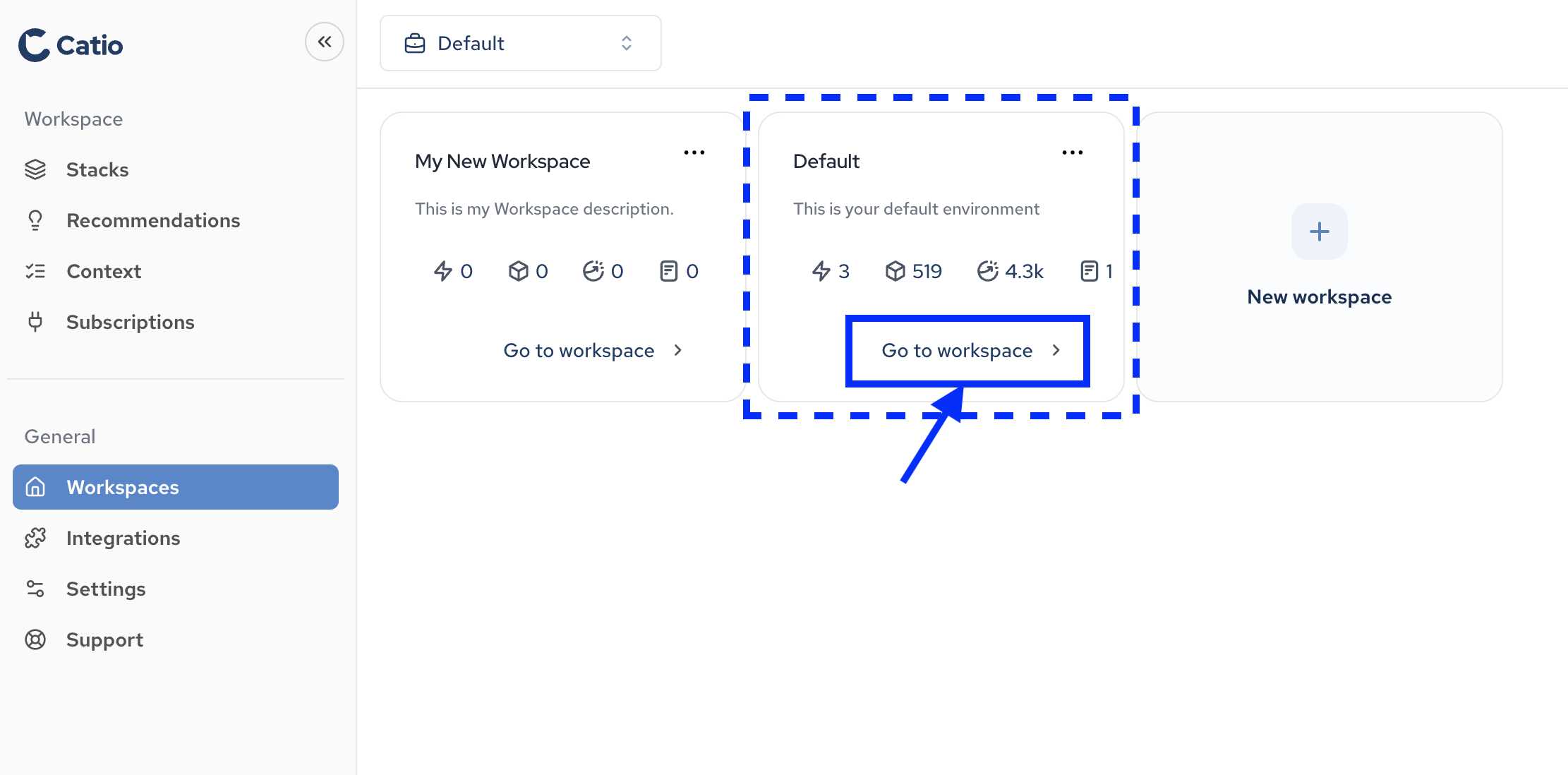
To open a workspace in Catio, you first need to navigate to the Workspaces main screen by clicking Workspaces (under General) in the left-side navigation. On this screen, you’ll see all of your available workspaces.
To open a workspace, you can click on the Go to workspace link at the bottom of the workspace entry.
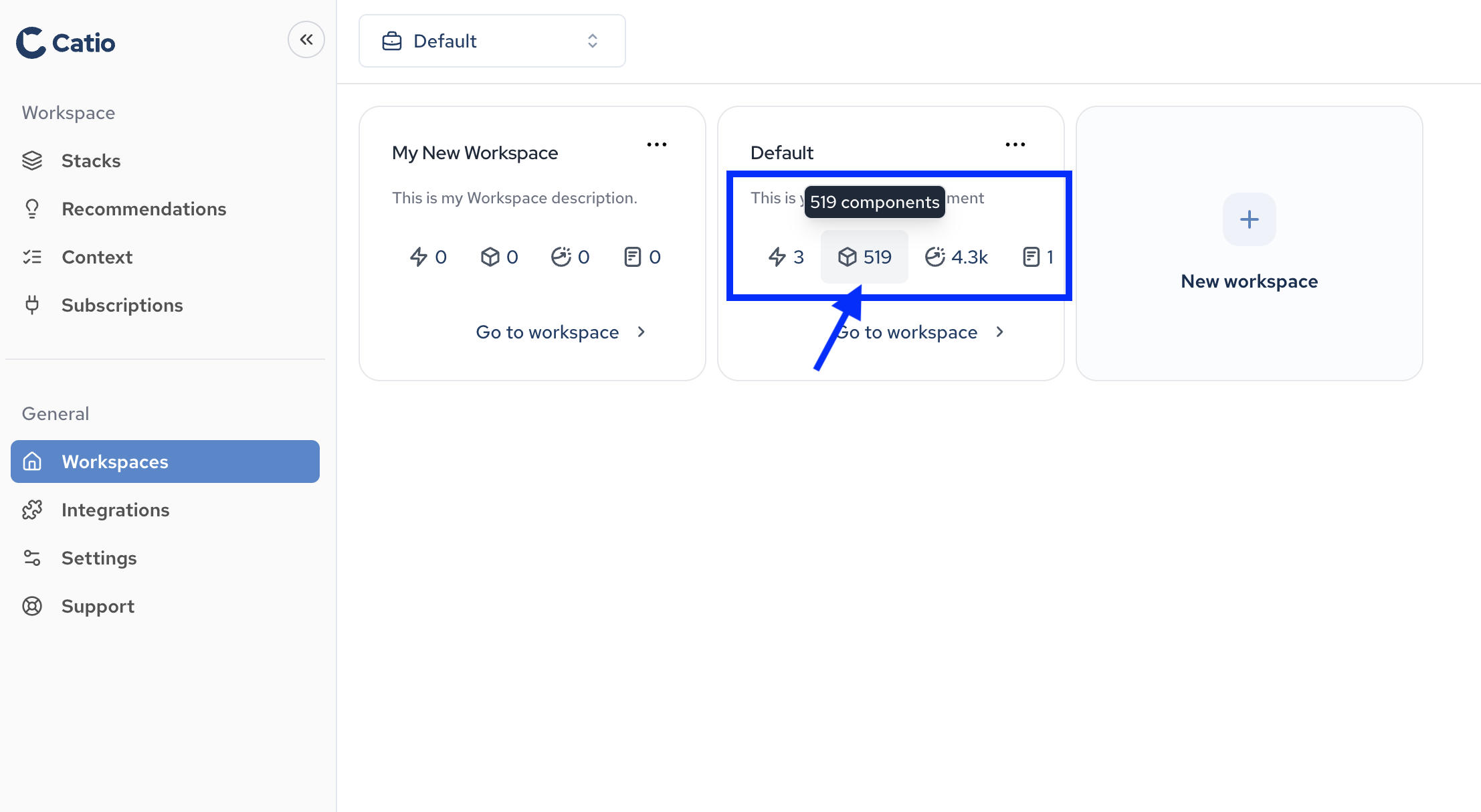
Alternatively, you can also go directly to specific areas of the workspace directly from the workspace entry as well. To do this, click on any of the four entries in the workspace entry, which will take you to the workspaces integrations, components, relationships, or documents (context).