Edit a Workspace#
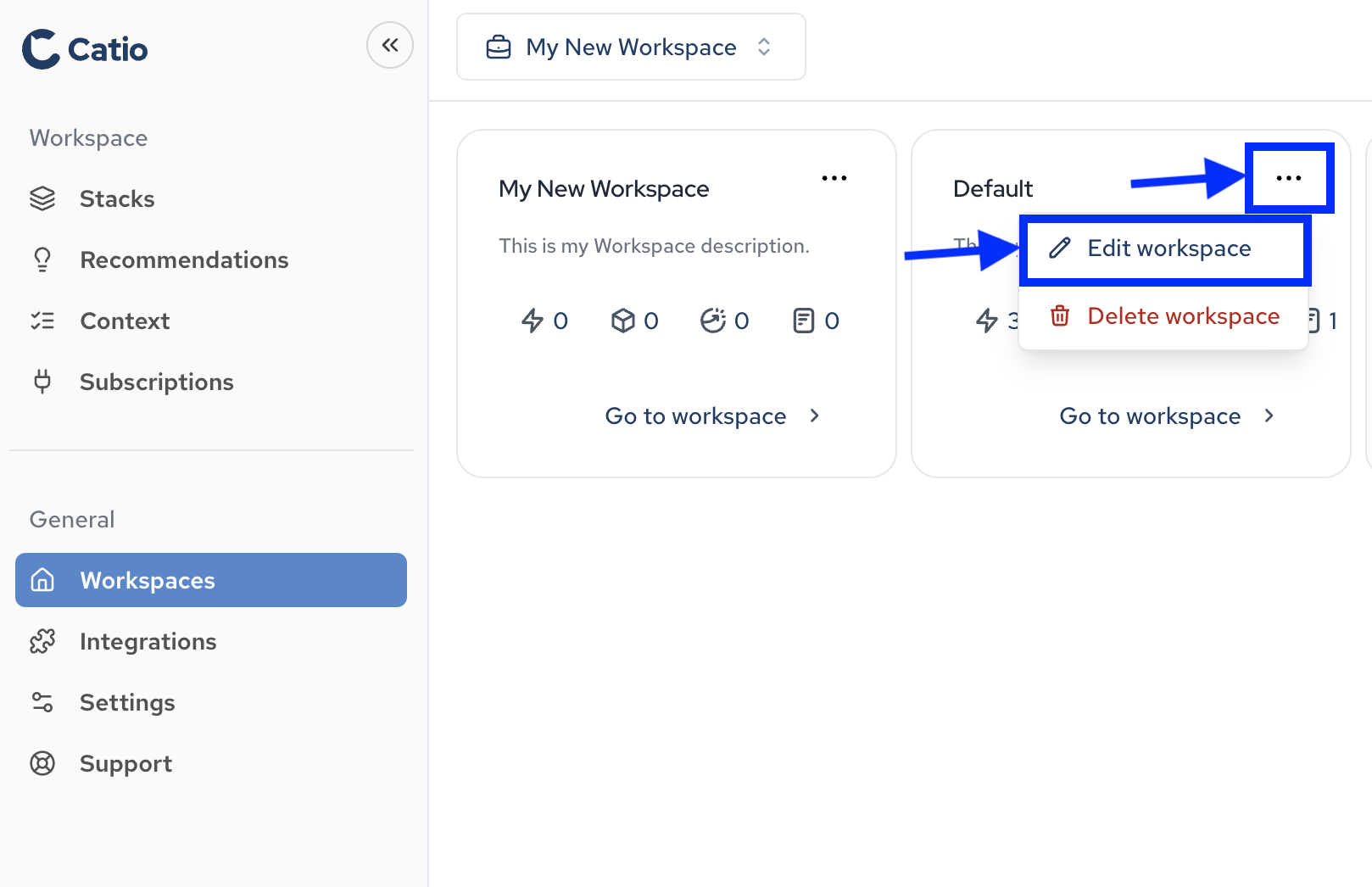
To edit a workspaces details in Catio, you first need to navigate to the Workspaces main screen by clicking Workspaces (under General) in the left-side navigation.
Once you’re on the Workspaces screen, click the … in the top right of the workspace entry you’d like to edit and select Edit workspace.
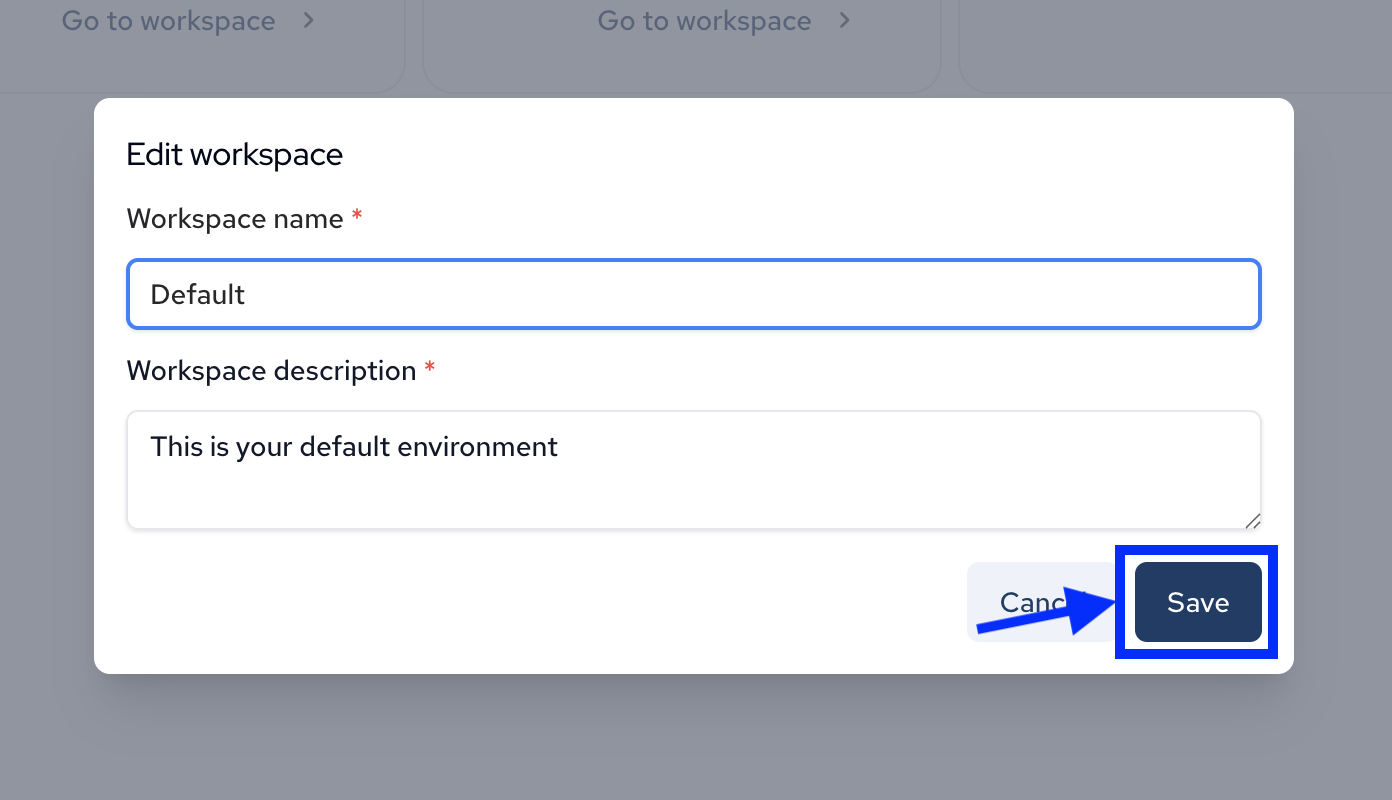
In the modal that appears, you can edit the workspaces name and description. Once complete, click Save to persist the changes.