Delete a Workspace#
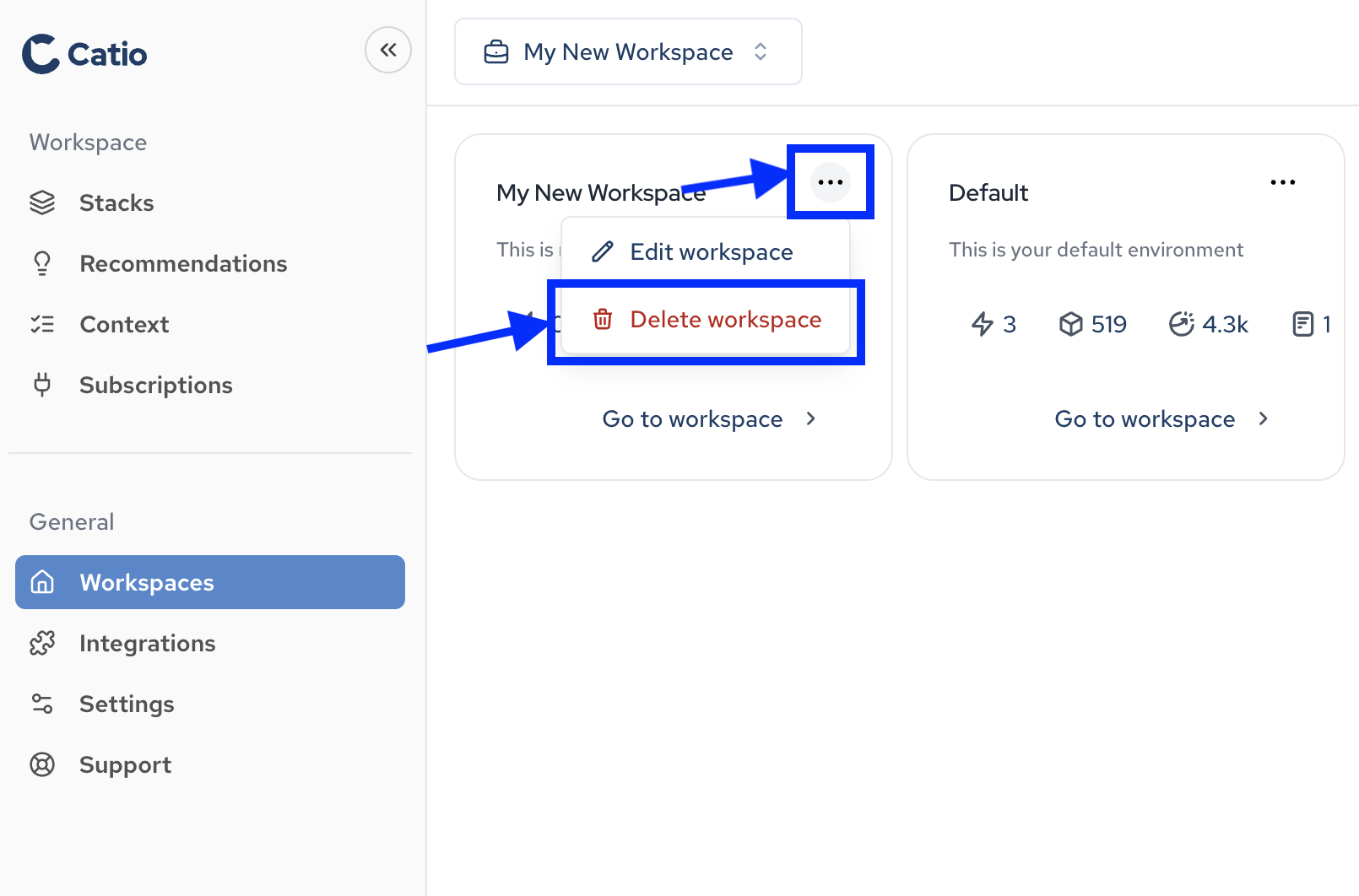
To delete a workspace in Catio, you first need to navigate to the Workspaces main screen by clicking Workspaces (under General) in the left-side navigation.
Once you’re on the Workspaces screen, click the … in the top right of the workspace entry you’d like to delete and select Delete workspace.
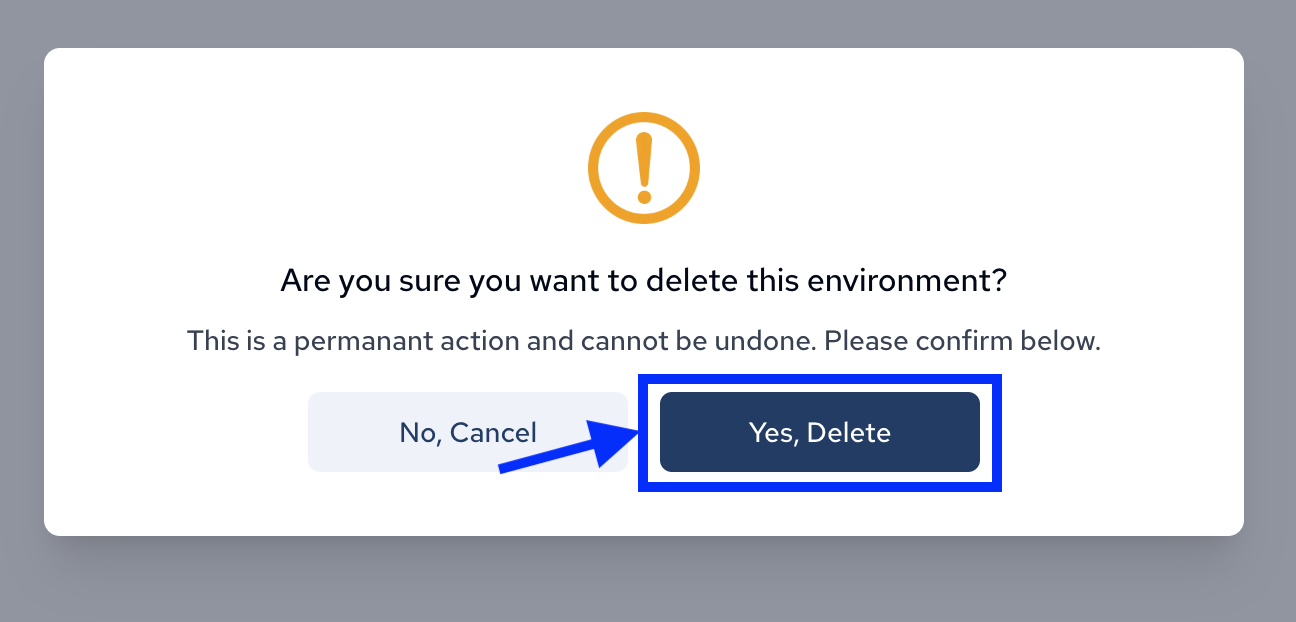
A modal will then appear asking for confirmation. To proceed with deleting the workspace permanently, click the Yes, Delete button.
After this, your workspace will be permanently deleted from Catio.