Delete a View#
Remove views that are no longer needed from your workspace. Remember: deleting a saved view permanently removes that curated perspective—export its filters or document them first if others rely on the view.
Deleting a View#
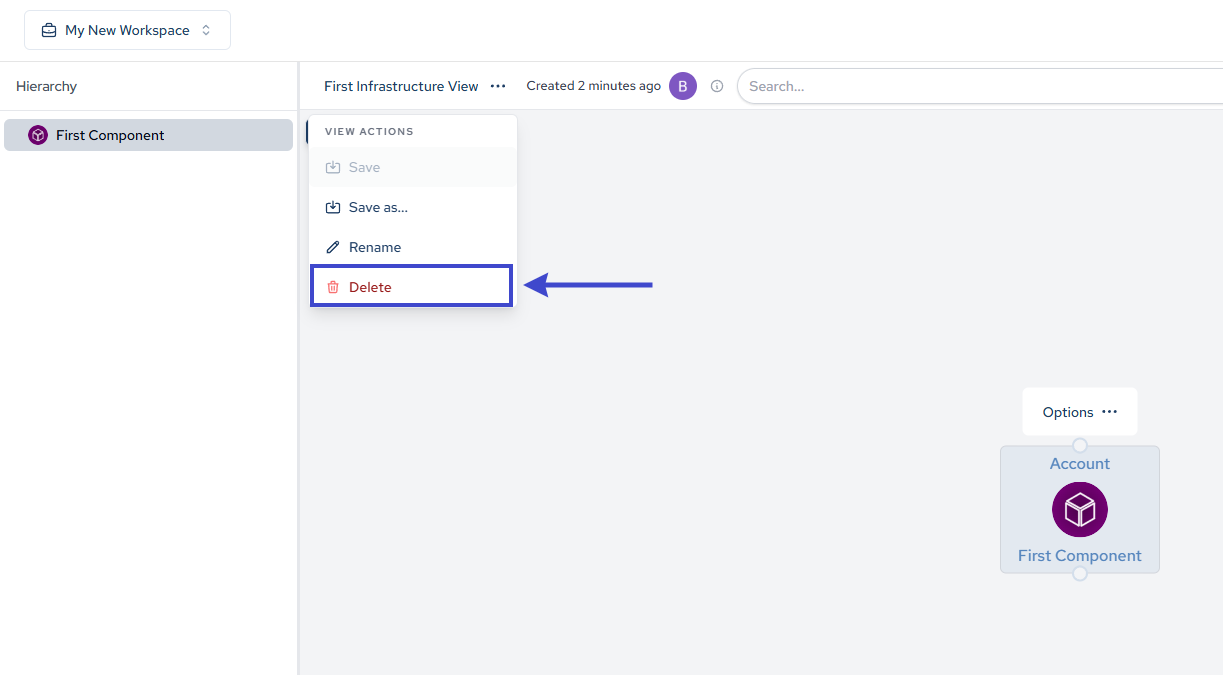
Navigate to the Views section and select the view you want to delete. Click the delete option to remove it permanently.
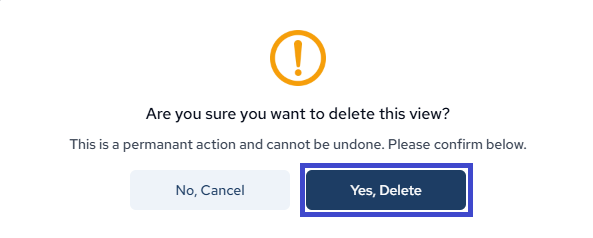
A confirmation dialog will appear. Click Yes, Delete if you are sure.