Inventory View#
The Inventory View provides a searchable list of all infrastructure components in your workspace.
Interface Elements#
Search Bar#
Locate specific infrastructure elements using the search functionality at the top of the inventory list.

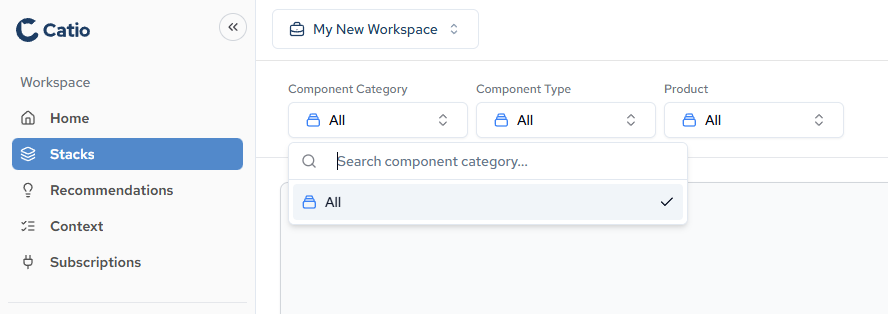
Filters#
Filter inventory elements by category, type, or product to narrow down results.
Working with Inventory#
Browse all infrastructure elements in a flat list format. Click any element to view its details and relationships. Use filters and search to quickly locate specific resources across your entire infrastructure.