Infrastructure View#
The Infrastructure View displays your cloud architecture in a hierarchical diagram format.
Interface Elements#
Component Tree#
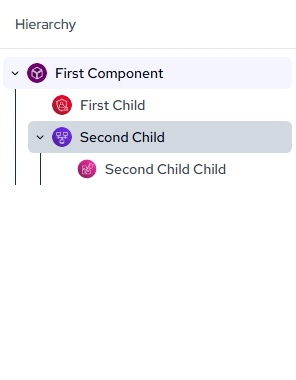
The left sidebar displays your infrastructure components organized in a hierarchical tree structure.
Toolbar#
- Layout: Adjust diagram layout and organization.
- Create: Add custom components to your infrastructure diagram.
- Reset: Return diagram to default view state.
- Filter: Show or hide specific component types or tags.
- Display: Configure visual display settings for diagram elements.
- Code Switcher: Toggle between visual diagram and code representation.

Navigation#
- Pan: Click and drag the canvas to move around your infrastructure diagram.
- Zoom: Use mouse wheel or pinch gesture to zoom in and out of the diagram.
- Search: Use the search bar at the top to locate specific infrastructure components.