Diagrams#
Diagrams are Catio-generated views that map your subscribed integrations into a live architecture model. Catio ingests data from integrations and builds out services, relationships, and configuration details so you can explore an inherited representation of your stack.
- Automated model: diagrams are produced by Catio from integration data. No manual modeling is required.
- Tailor perspectives: create and save custom views or add components to focus on cost, security, or operational concerns.
- Control via integrations: the integrations and workspace subscriptions you enable determine what Catio discovers and displays.
Accessing Diagrams#
Navigate to Stacks in the workspace sidebar to access the diagrams section.
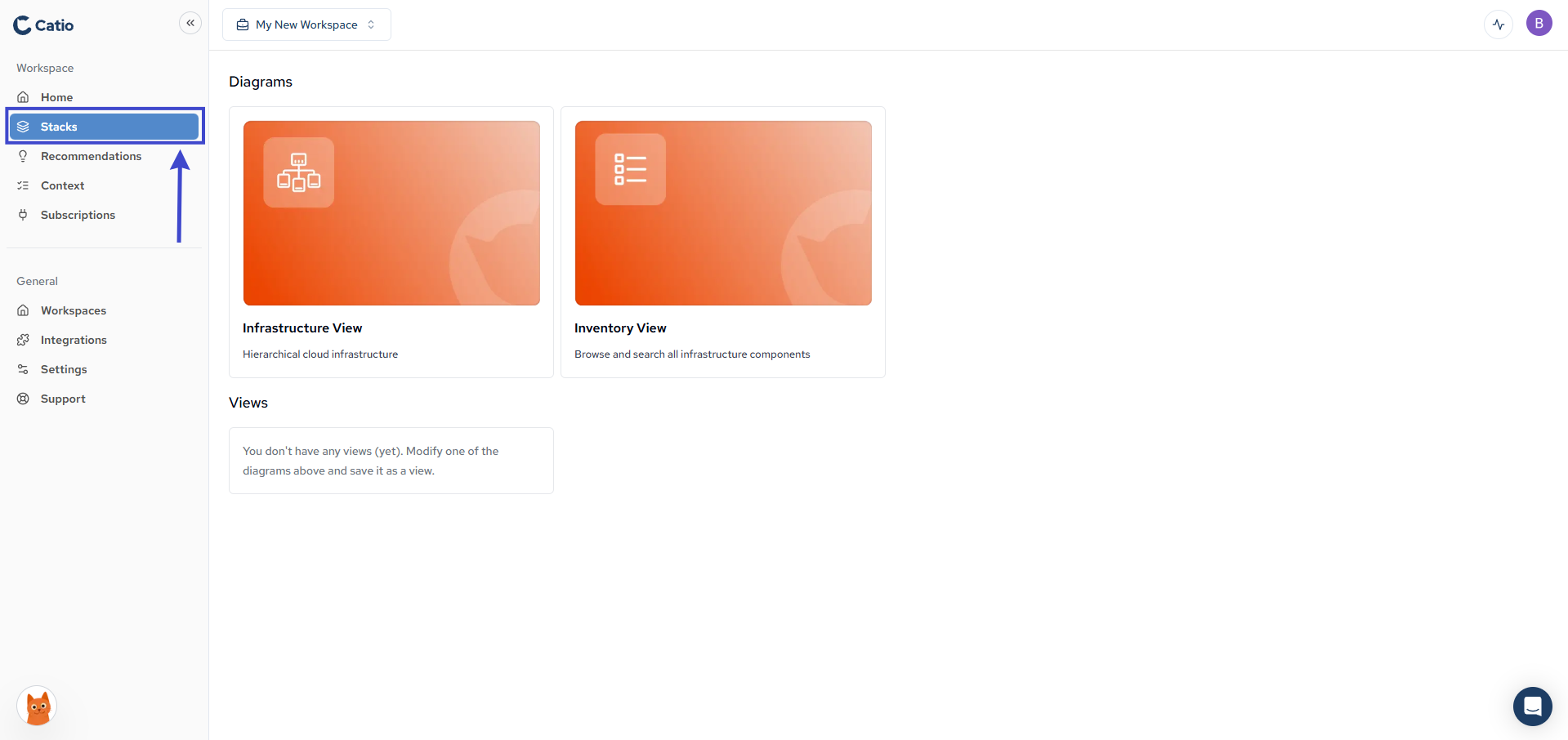
Diagram Types#
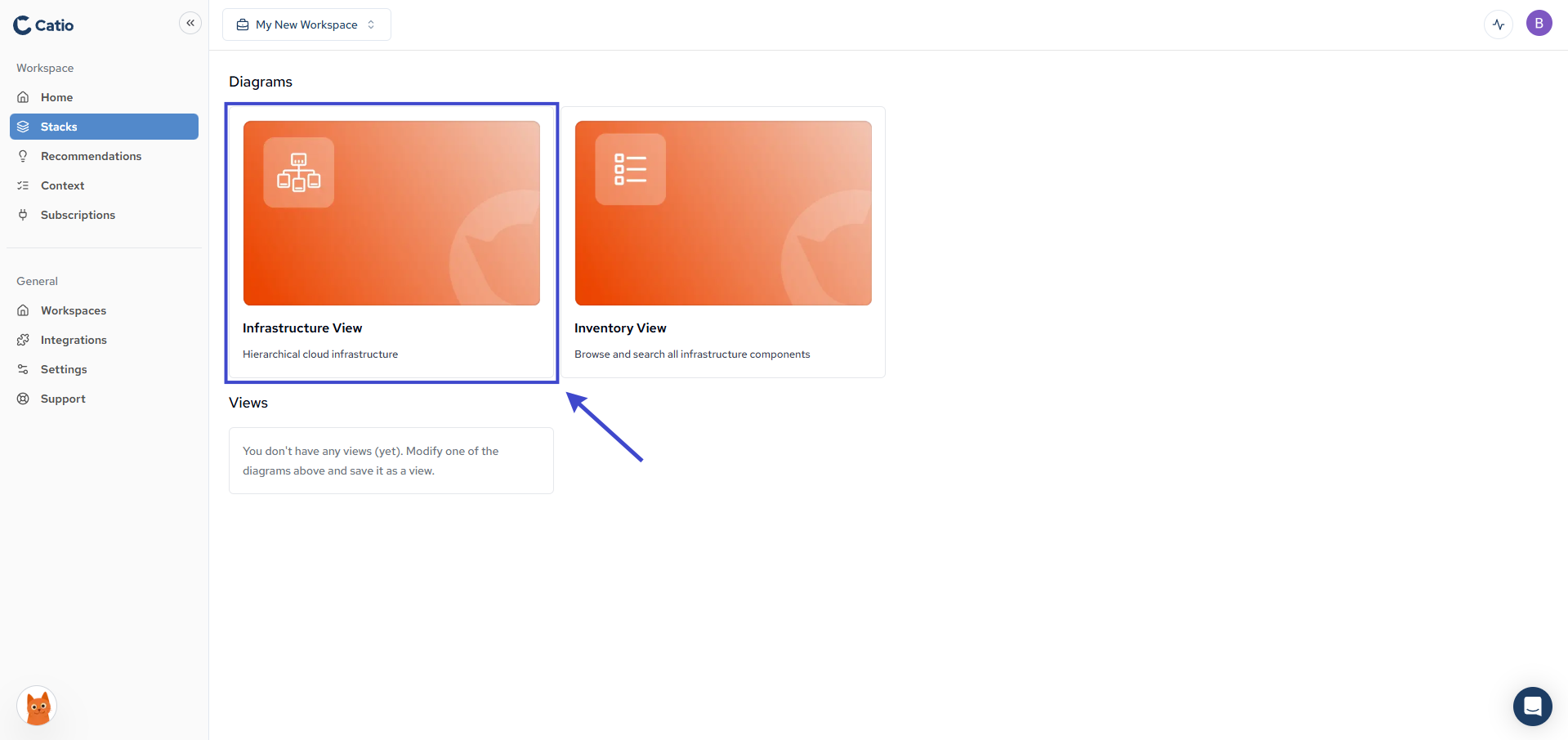
Infrastructure Diagram#
Displays hierarchical cloud infrastructure organized by service relationships and dependencies.
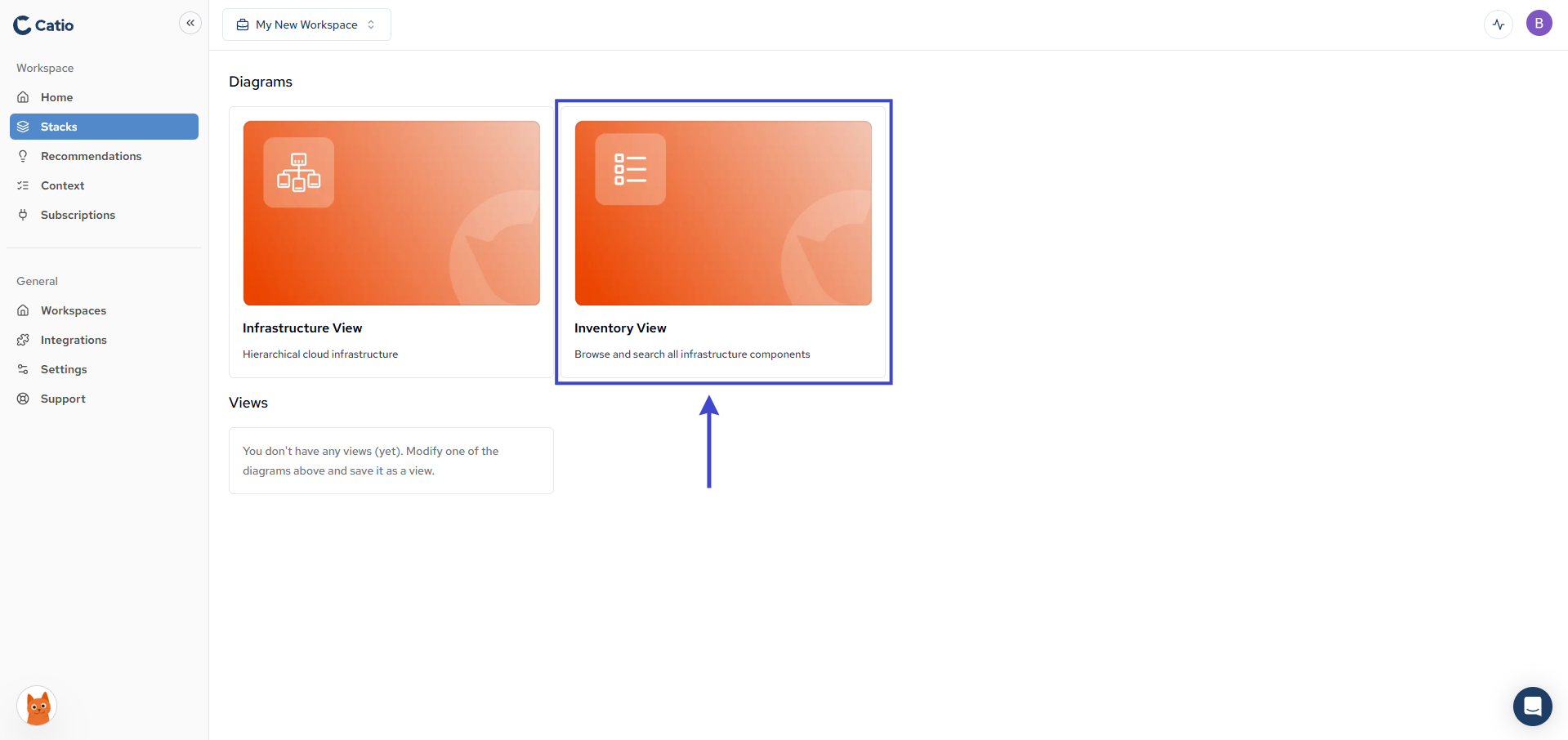
Inventory Diagram#
Browse and search all infrastructure components in a searchable list format.
Working with Diagrams#
Select either diagram type to begin exploring.