Open a Roadmap#
To open an existing roadmap in Catio, navigate to Recommendations in your workspace. Then, click the Roadmaps tab.
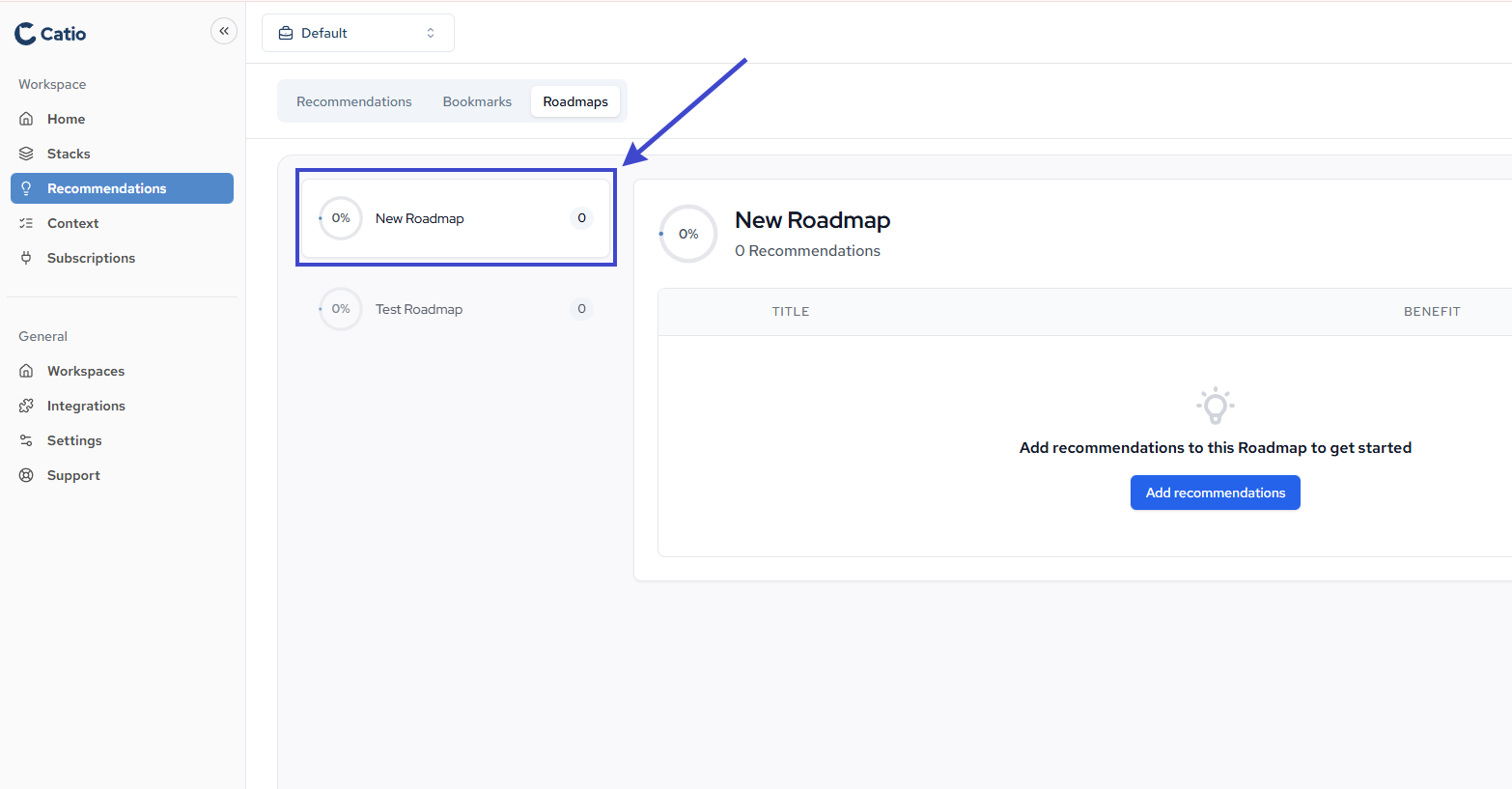
You’ll see a list of all roadmaps created in your workspace. Each roadmap displays:
- Title: The name of the roadmap
- Benefit: Brief overview of the roadmap’s purpose
- Status: Current progress or completion status
- Number of recommendations: The number of recommendation in the roadmap
The roadmap will open, displaying all recommendations organized by timeline and priority. From here, you can view details, track progress, and manage your architecture implementation plan.