Edit a Roadmap#
To edit an existing roadmap in Catio, navigate to Recommendations in your workspace. Then, click the Roadmaps tab.
Locate the roadmap you want to edit from the list. Click the Edit icon ("…") next to the roadmap name.
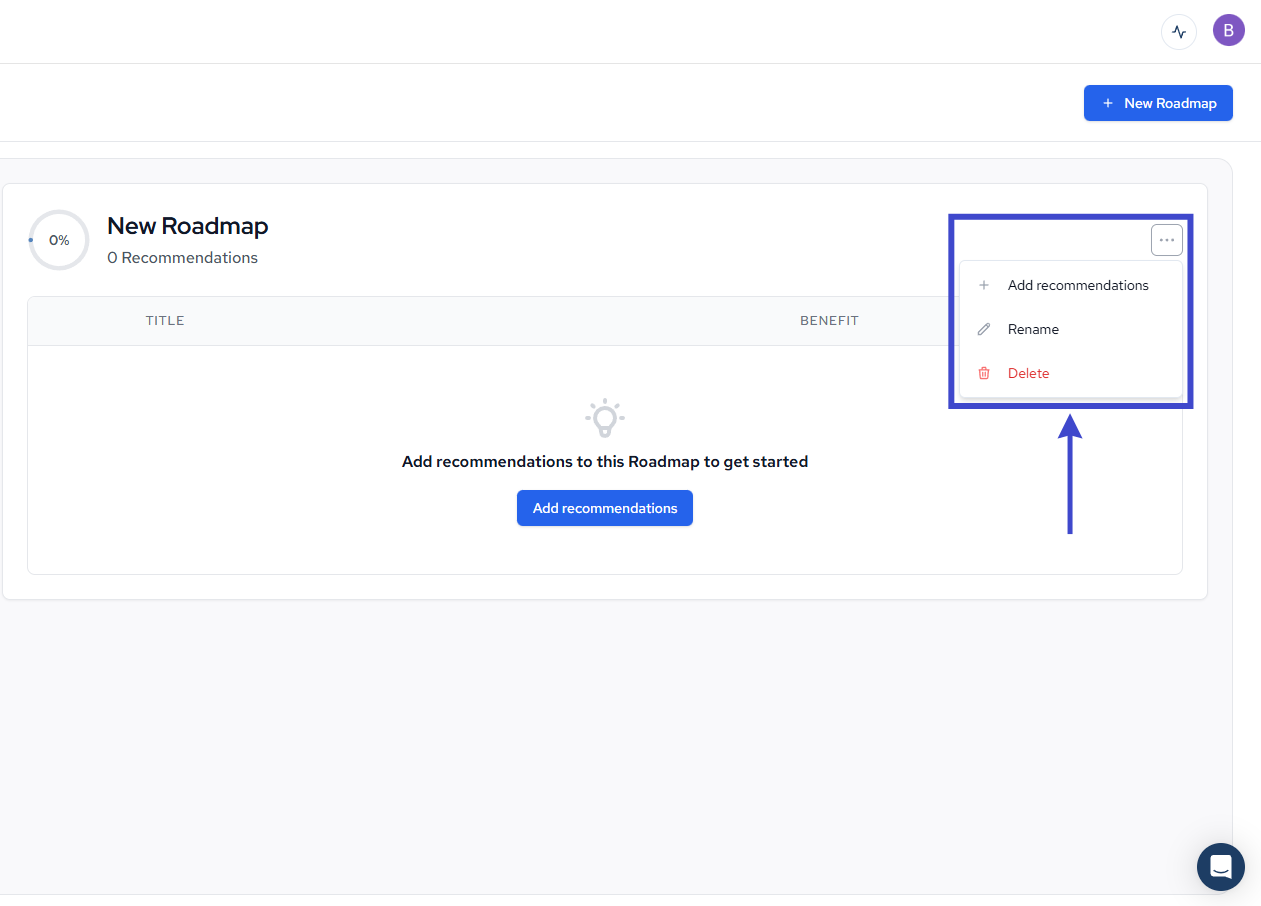
In the modal that appears, you can update the following fields:
- Add Recommendations: Add bookmarked recommendations to your roadmap
- Rename: Modify the display name of your roadmap
- Delete: Remove the roadmap from your workspace
Once you’ve made your changes, click Save.
Your roadmap will be updated with the new information. All recommendations and timeline data remain unchanged when editing roadmap details.