Create a Roadmap#
To create a roadmap in Catio, navigate to Recommendations in your workspace and click the Roadmaps tab. Then, click New Roadmap.
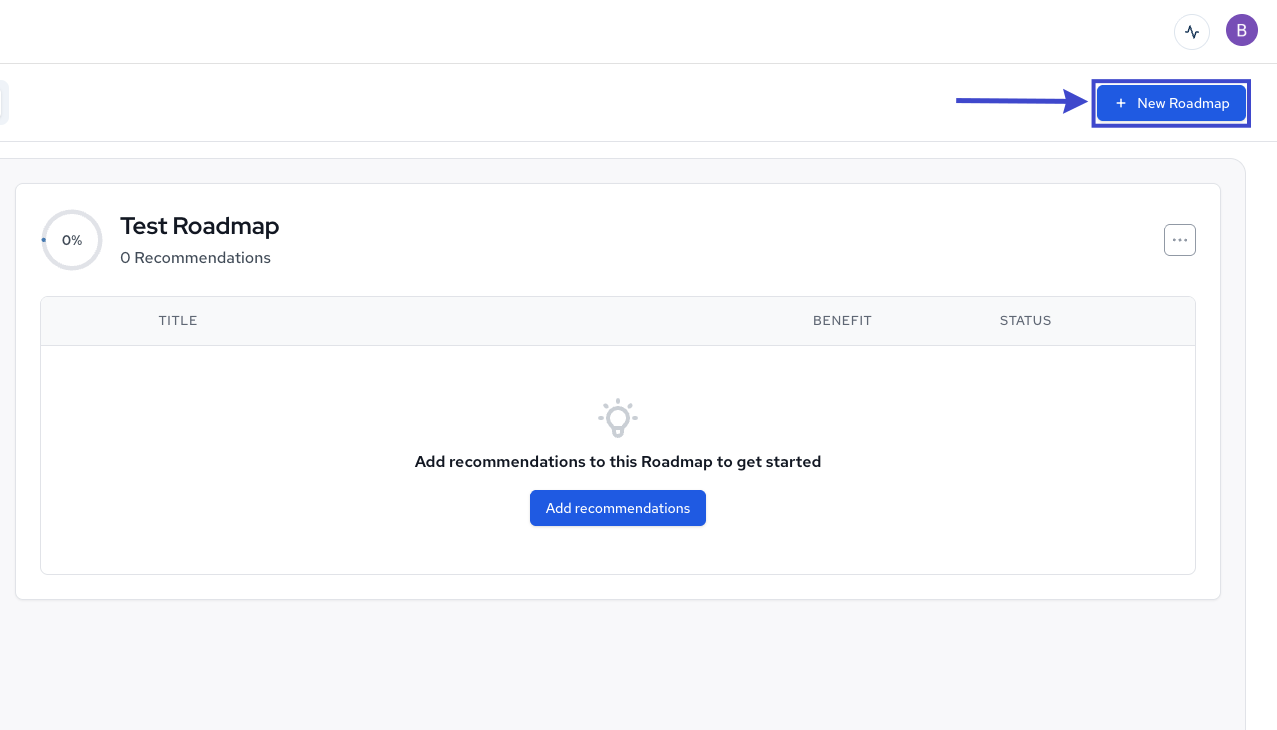
In the modal that appears, you’ll the following field to populate:
- Roadmap Name: This will be the display name of your roadmap in Catio.
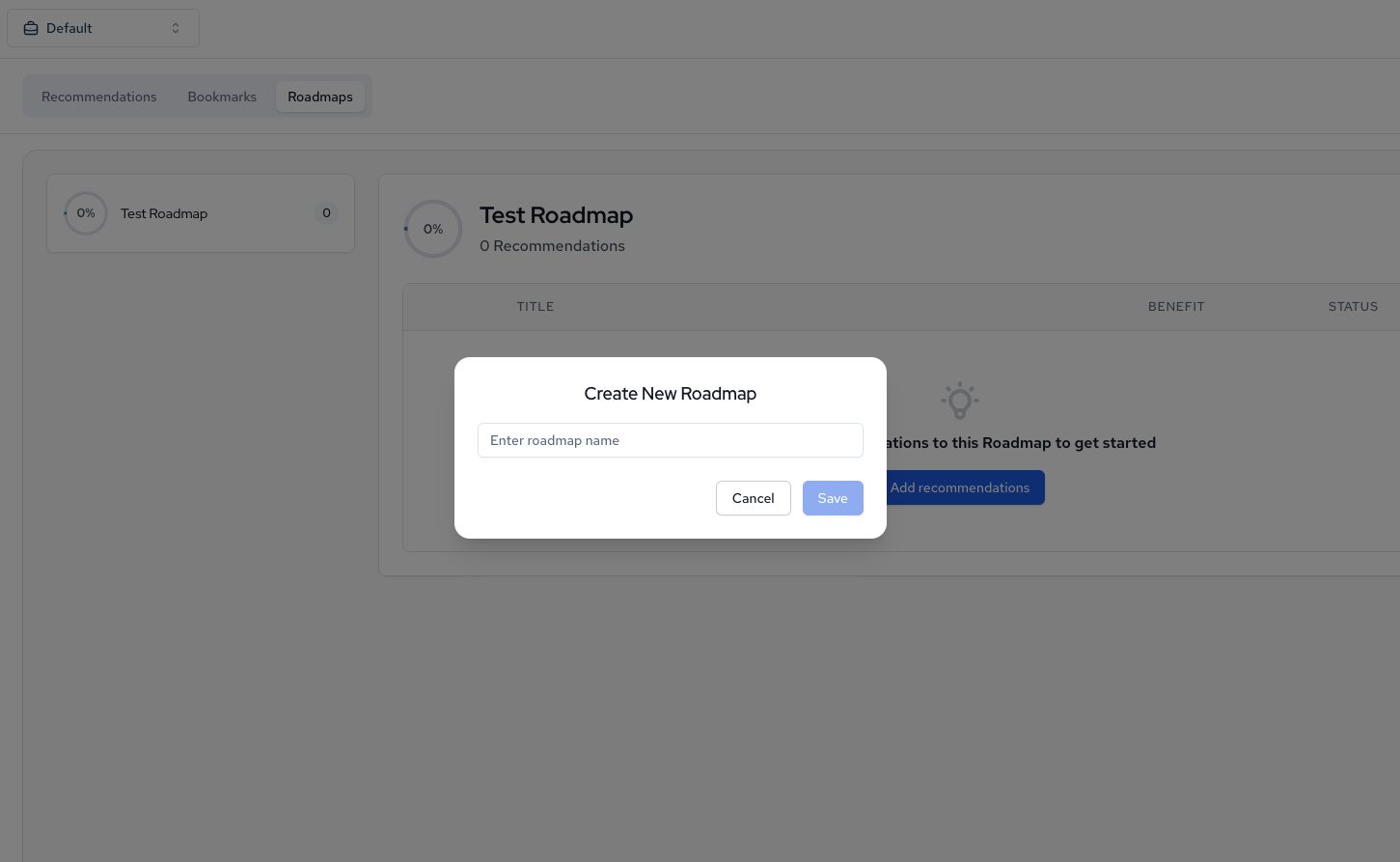
Once these fields are populated, click Save.
You should then see your newly created roadmap displayed in the Roadmaps list.