Bookmarks#
To access Bookmarks, navigate to Recommendations in your workspace and click the Bookmarks tab.
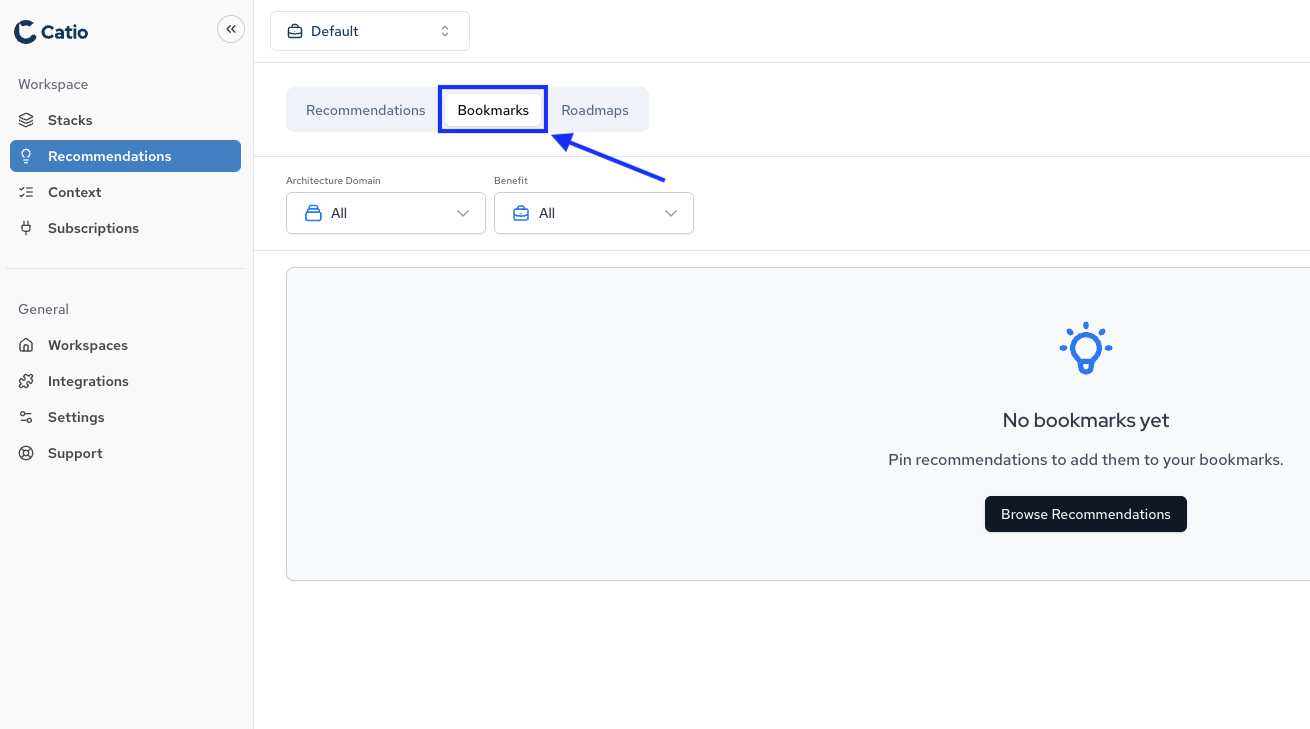
Bookmarks enable you to maintain a curated collection of recommendations relevant to your current objectives and long-term architecture strategy.
Note: Bookmarks and Roadmaps function independently. Bookmarking a recommendation does not add it to a roadmap, and adding a recommendation to a roadmap does not bookmark it. These are separate organizational features.
Use Cases#
- Reference Management: Maintain access to specific recommendations without repeated searches
- Priority Planning: Build a collection of high-impact architectural changes for team review
- Implementation Tracking: Organize recommendations under active consideration or scheduled for deployment
Bookmarked recommendations remain accessible from the Bookmarks tab in the Recommendations module, providing persistent access to critical architectural guidance.