View Context#
Access and review uploaded context documents and manual entries within your workspace. Do this by accessing:
- Summary View
- Detailed View
Summary View#
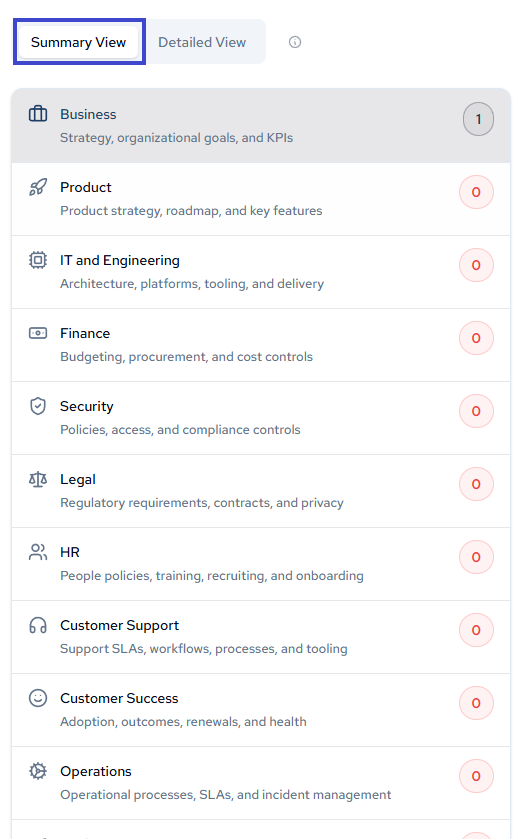
Navigate to the Summary section, scroll to your desired category, and click to view its context entries.
Detailed View#
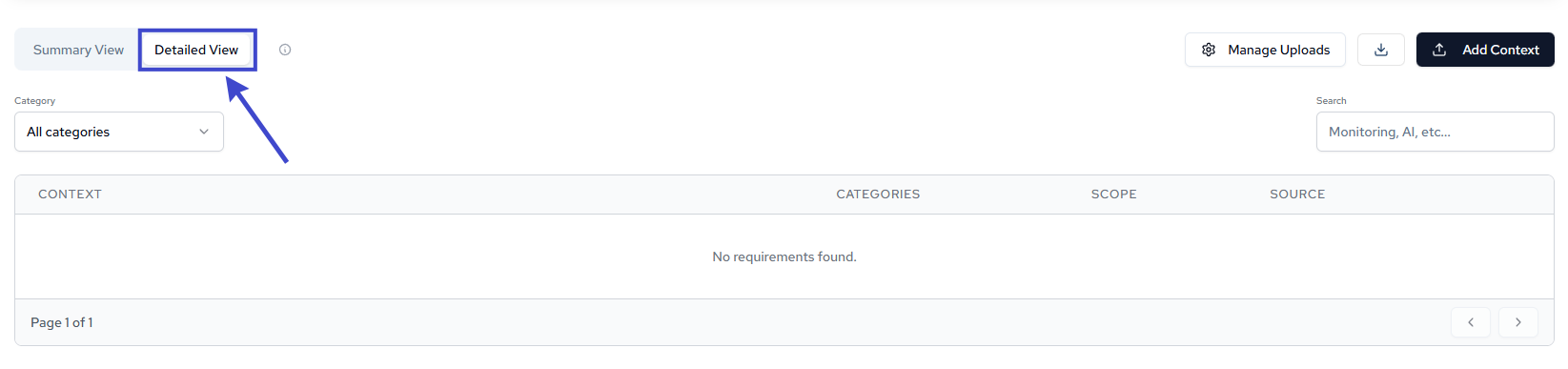
Click into the Detailed section to see all populated context entries across categories.
Managing Uploads#
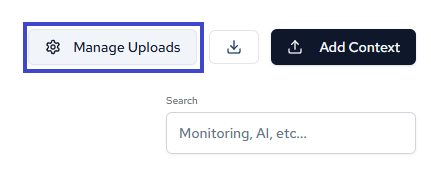
Access the manage uploads interface to view a list of all uploaded documents and context entries.