Edit Context#
View and update existing context information within your workspace.
Summary View#
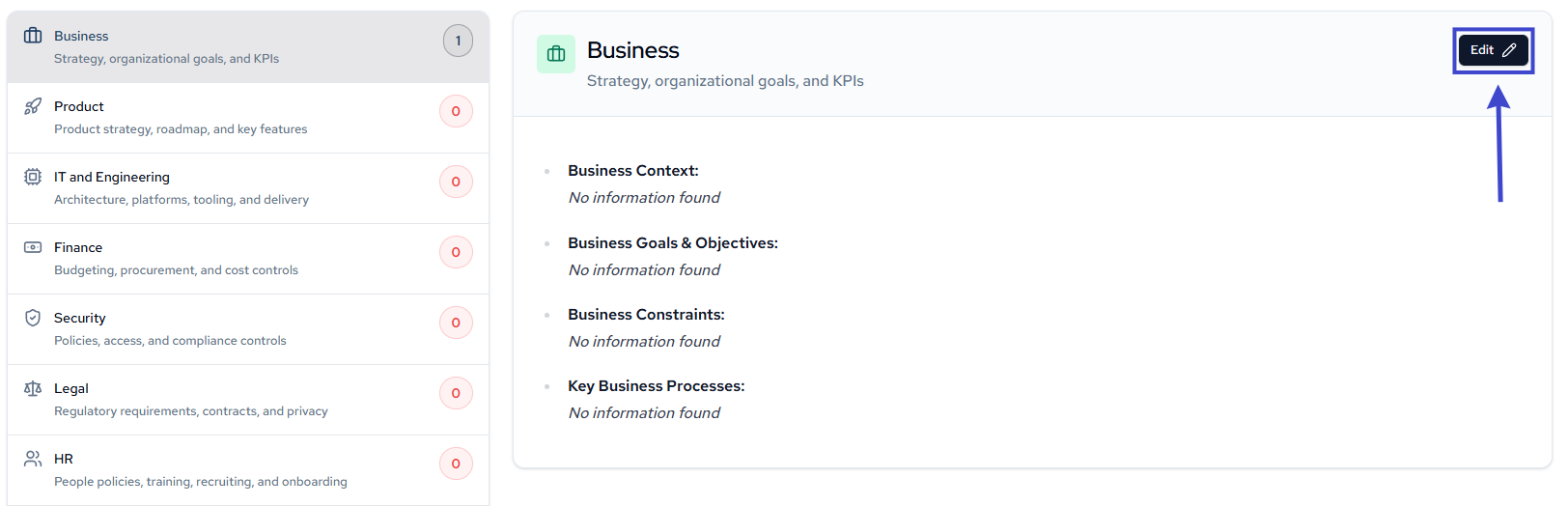
Added contexts appear in the summary list and are reflected with incremented number count in the summary page.

Click into any category to edit its details.
Detailed View#
Added contexts appear in the populated detailed view table.
Click into any context entry to edit its details.

Once you click into an entry, an edit modal will appear.
From there, edit:
- Requirement
- Category
- Scope
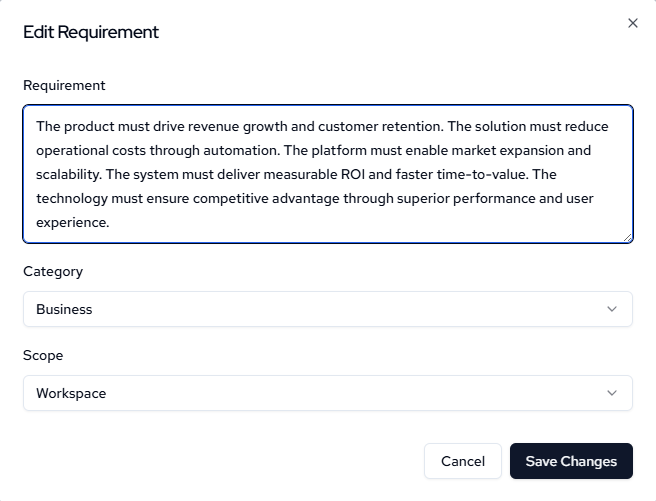
Then click Save Changes