Context#
Provide business and technical context to inform AI-generated recommendations and architectural guidance.
Overview#
Upload business and technical documents to help Catio tailor guidance to your organization’s specific needs. Context documents inform the Recommendations module, ensuring all architectural insights align with your business objectives and constraints.
Getting Started#
Navigate to the Context section in your workspace to begin uploading documents. Select a category and add relevant documentation to build your organizational context.
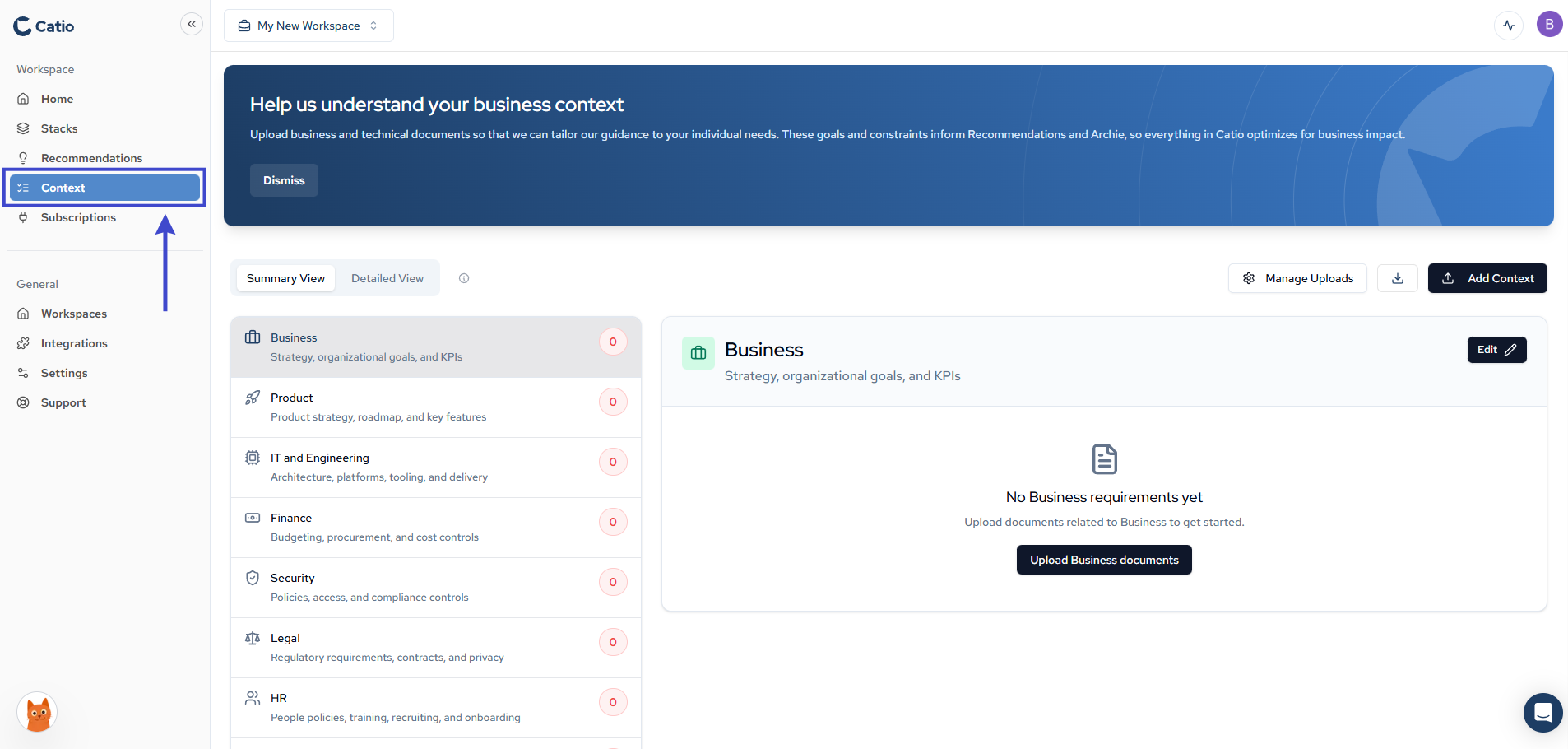
Context Categories#
Organize context documents across multiple categories:
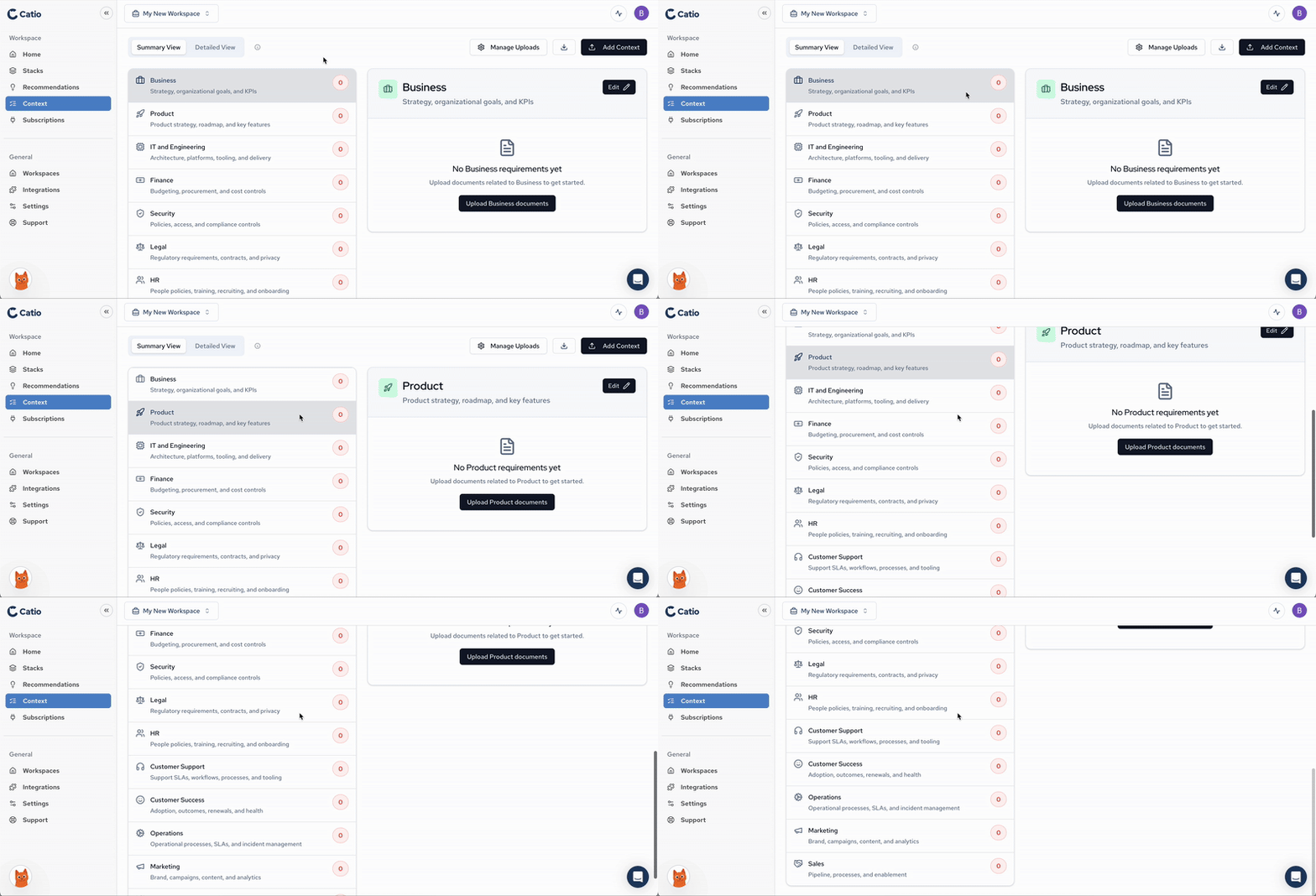
- Business: Strategy, organizational goals, and KPIs
- Product: Product strategy, roadmap, and key features
- IT and Engineering: Architecture, platforms, tooling, and delivery
- Finance: Budgeting, procurement, and cost controls
- Security: Policies, access, and compliance controls
- Legal: Regulatory requirements, contracts, and privacy
- HR: People policies, training, recruiting, and onboarding
- Customer Support: Support processes, documentation, and customer service
- Customer Success: Customer engagement, retention, and success metrics
- Operations: Operational procedures, workflows, and standards
- Marketing: Marketing strategy, campaigns, and brand guidelines
- Sales: Sales processes, strategies, and customer acquisition
For further information, click into the “i” button near the view selector
