Configure an Integration#
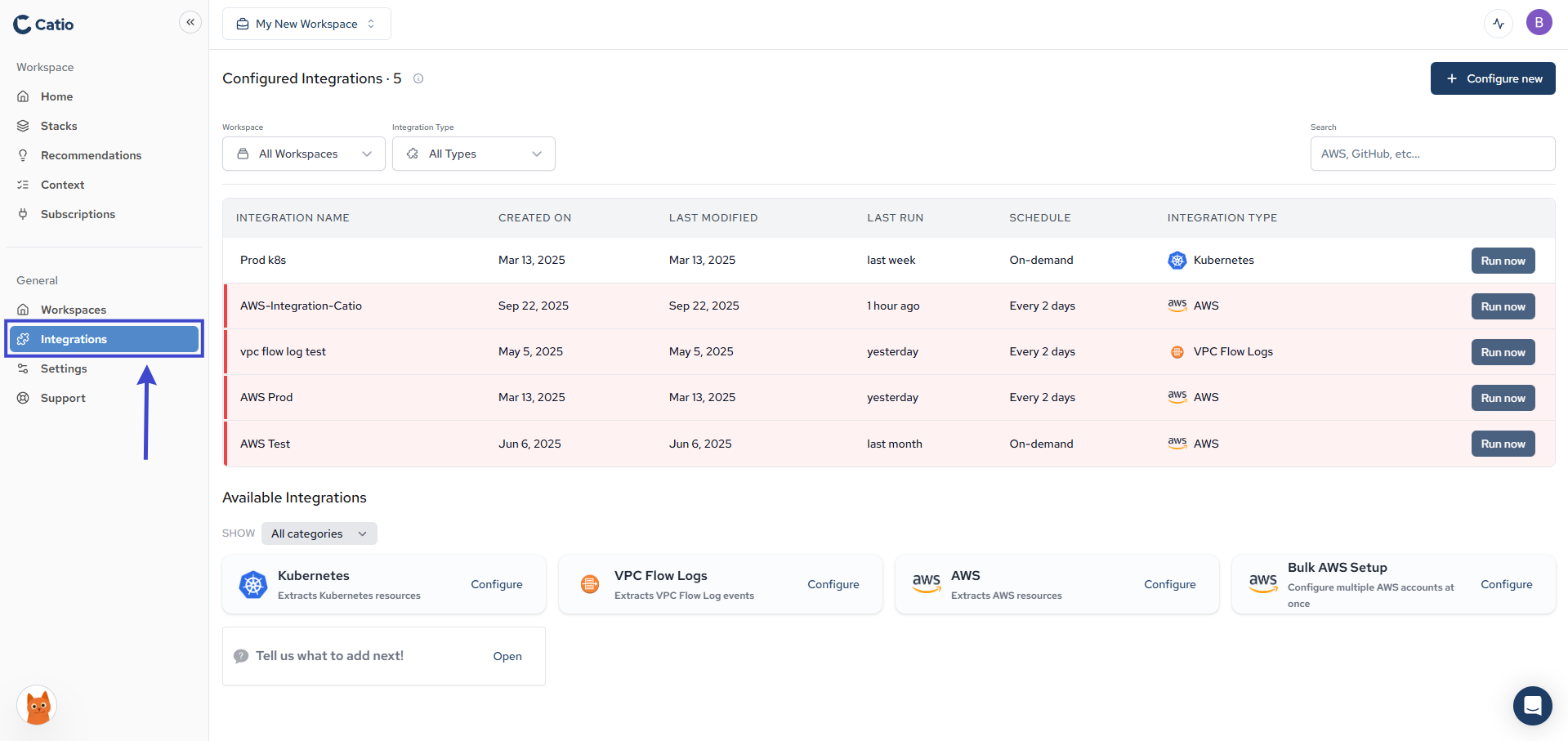
- Click Integration Tab: Navigate to Integration page.
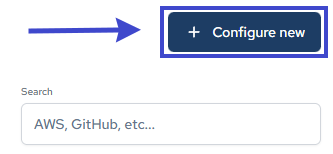
- Create a new Integration: Click on the “Configure New” button. This will open a form where we will walk you through the process of setting up your integrations.
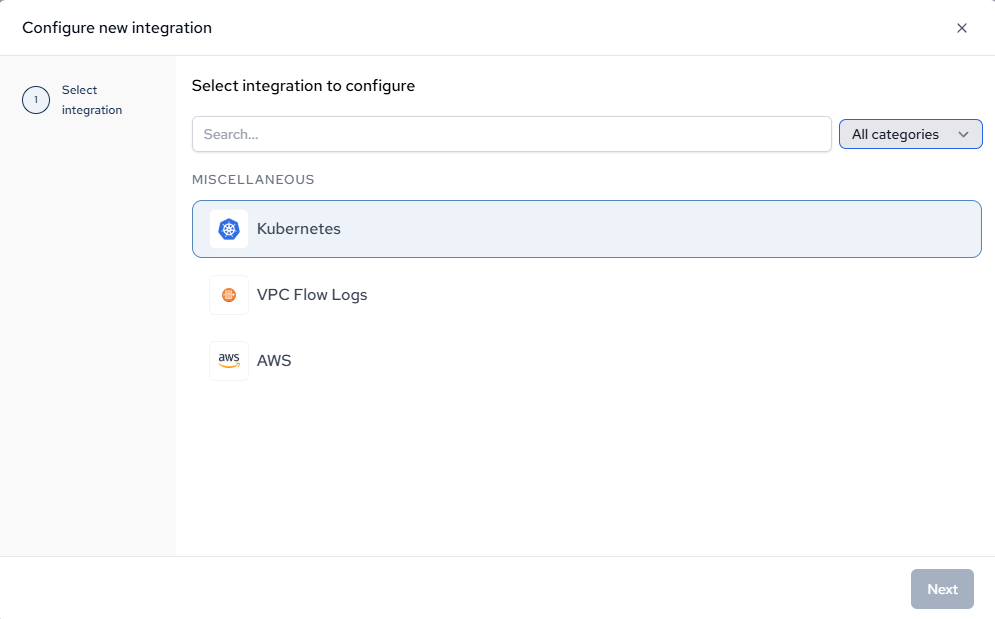
- Choose Integration: Select the integration you want to configure from the search bar.
- Set up the Integration: From here, Catio will walk you through the rest of the setup!